 Studio RabbitEditing examples
Make a ’90s mall portrait from your photo
A mottled backdrop and an earnest shoulder turn are enough to suggest a mall photo studio. For a more theatrical look, try a soft rose backdrop or bring back the floating side profile. All three edits below start with the same portrait.
We used Avery, a fictional adult, for these examples. Choose Try this prompt to open the text in the image editor. Upload your own photo, adjust the wording, then select Generate image when you’re ready.
Blue muslin and denim

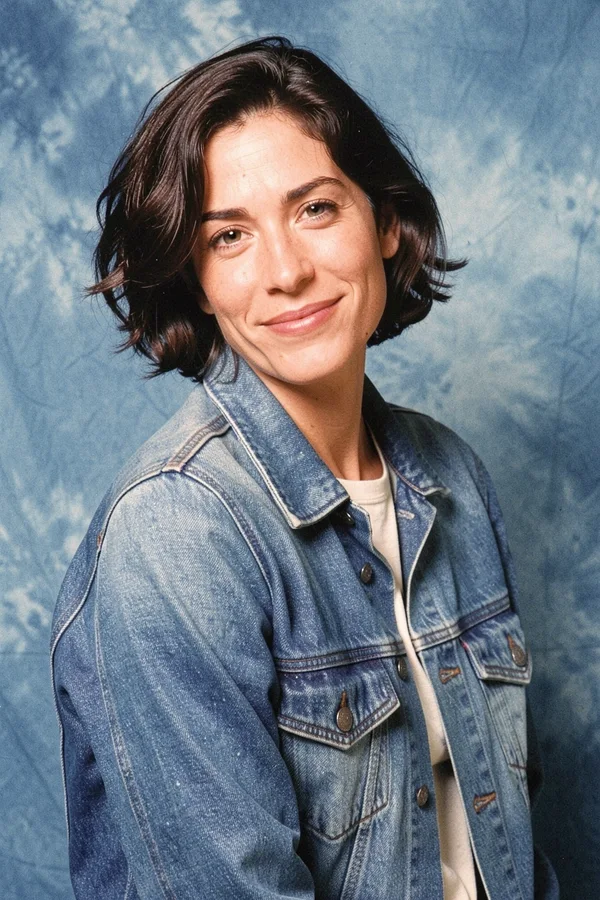
The blue backdrop, angled shoulder and denim do most of the work. To keep your own clothes, replace the denim instruction with “keep my original outfit.”
Turn this into a 1990s mall studio portrait of the same person. Use a mottled blue muslin backdrop, a denim jacket, an angled shoulder and a small earnest smile toward the camera. Add gentle front flash and a little print grain. Keep their face recognizable.
Soft-focus glamour portrait
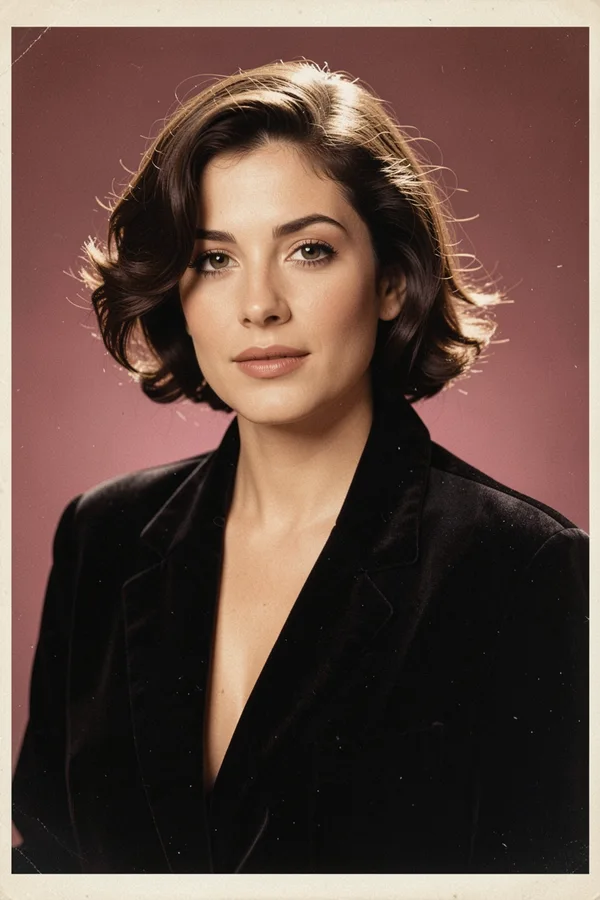
The hair light gives this version its studio glow. This edit also changes the expression and makeup more than the denim version. If that matters, specify which features you want to keep.
Give the same person a 1990s glamour studio portrait. Use a dusky rose backdrop, a black velvet jacket and a soft halo of light around the hair. Keep the eyes clear and the skin natural. Frame the head and shoulders like a vintage photo print.
Double-exposure portrait
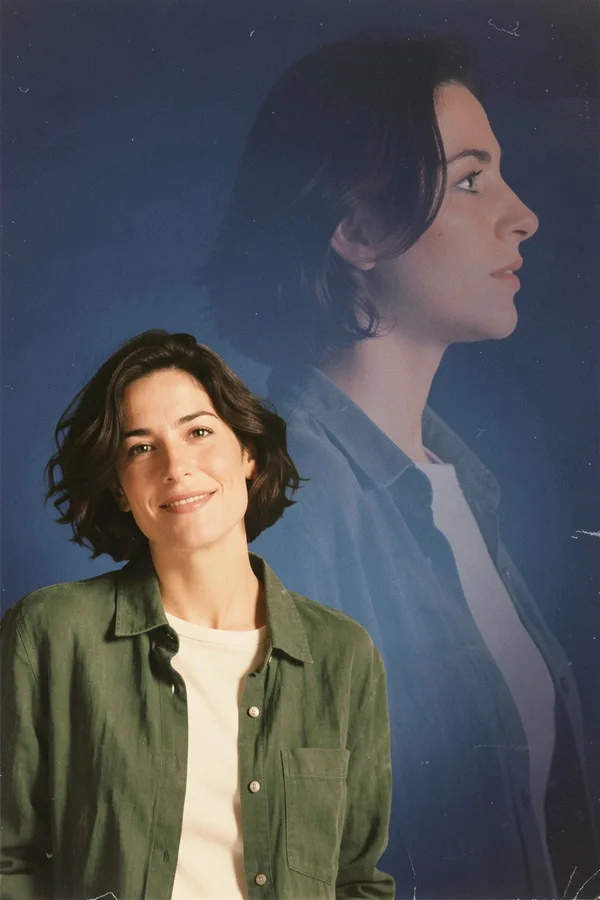
Describe where each face belongs. Naming the lower-left foreground portrait and upper-right side profile helps distinguish an intentional double exposure from two people posing together.
Make a vintage double-exposure mall portrait of this one person. Put a waist-up portrait at the lower left and a larger, translucent side profile of the same person at the upper right. Blend both into a deep blue studio backdrop like a 1990s photo print. Add no lettering.
Choosing your starting photo
Start with an evenly lit photo of one adult, with the shoulders visible. For a subtler print effect, ask for fine grain and clear eyes. If the second face in the double exposure changes too much, try the single-pose blue backdrop with the same original photo.