 Studio RabbitOpen editor ↗
This gallery uses the studio’s existing public photo-detail demonstration. It does not display private user uploads.
Portrait detail: original and enhanced
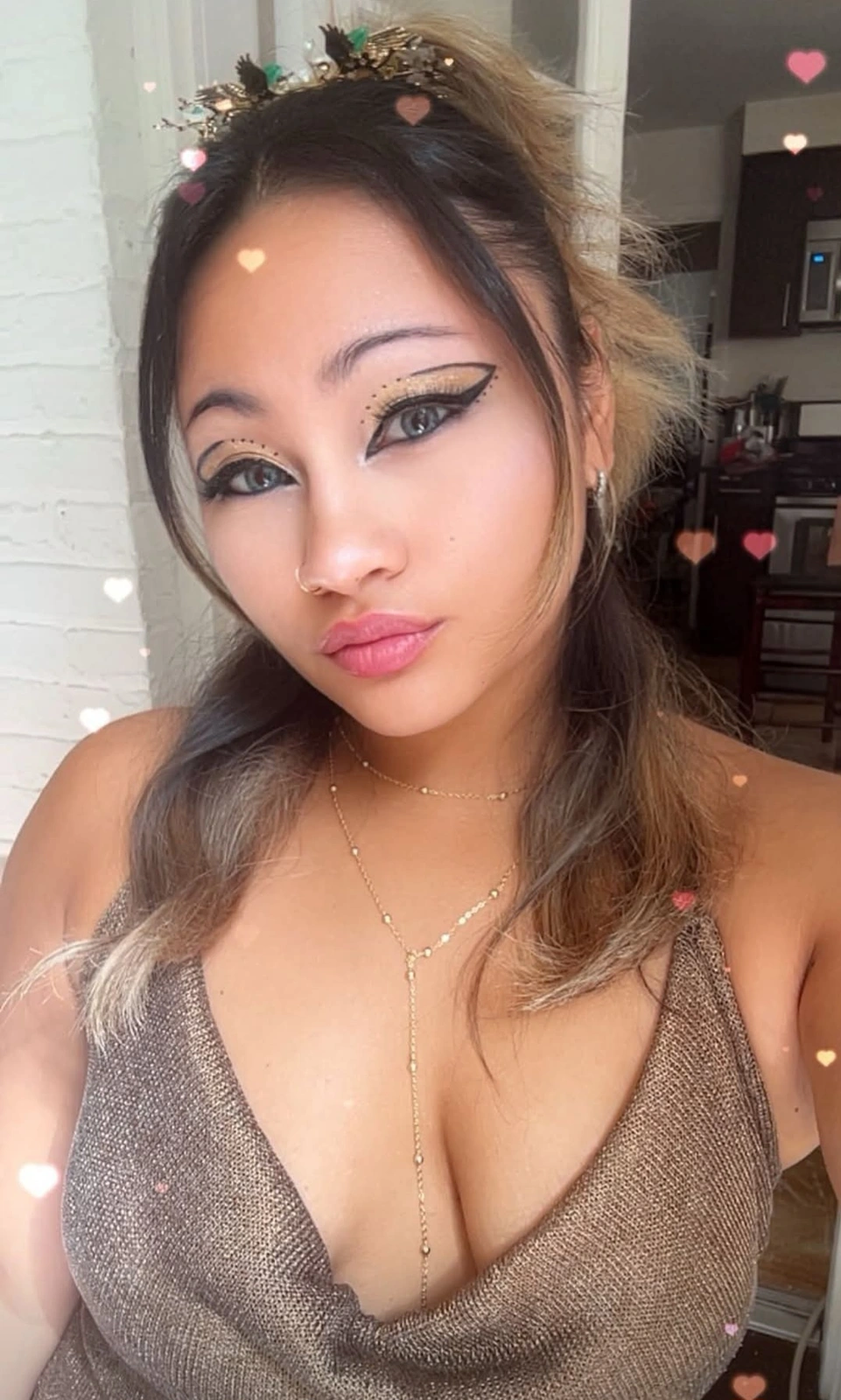
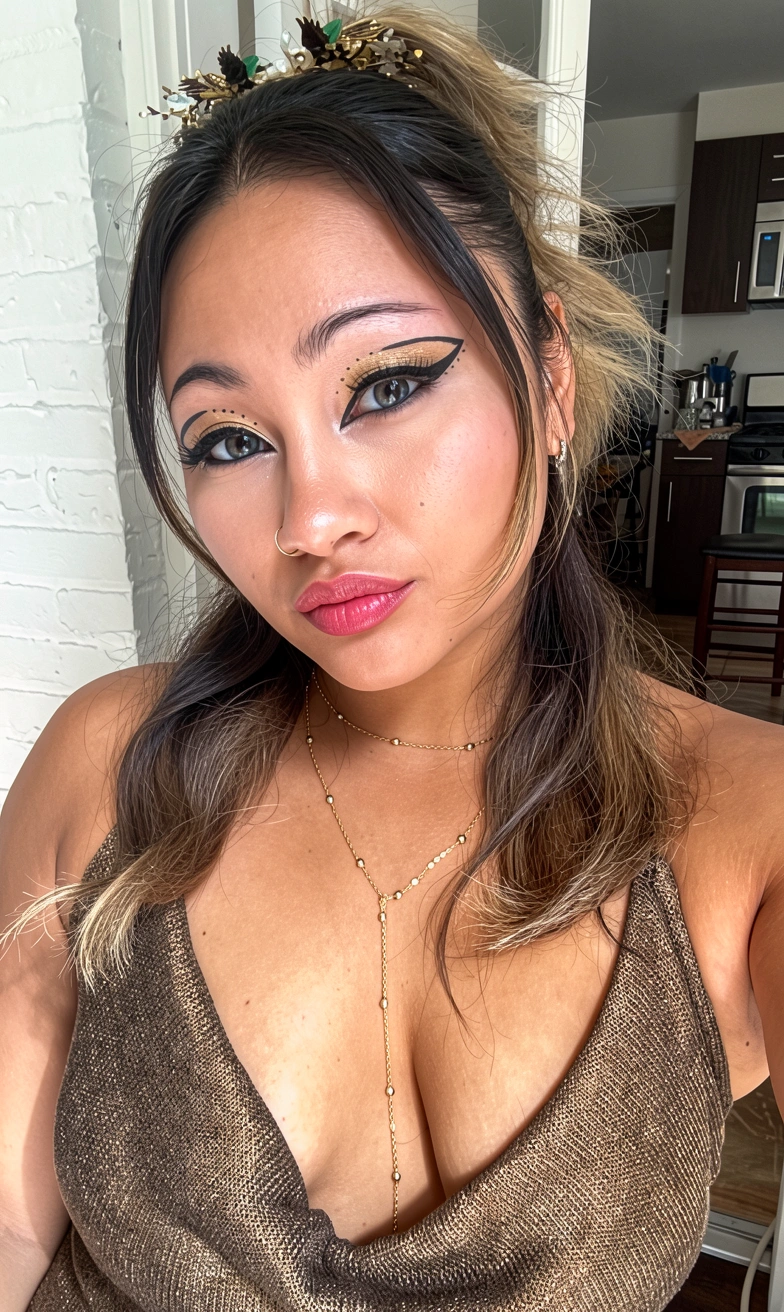
An existing studio demonstration. Compare fine facial details, hair and texture. Results vary with the source image and settings; generated details are not evidence of what the original camera captured.
What to compare
Hair and edges
Inspect individual strands and the boundary between the subject and background for unnatural sharpening or invented texture.
Face and expression
Check that features and expression remain acceptable to you. Clearer-looking detail does not guarantee a more accurate face.
Fabric and jewellery
Look for changed patterns, small objects and highlights before choosing to use the result.
Your own enhancement result includes a before-and-after slider. Learn more about the AI image enhancer, or read the photo-editing guide for intentional creative changes.