 Studio RabbitEditing examples
How to edit boudoir photos at home from one portrait
To turn a selfie into a boudoir portrait, start with a photo where the eyes are in focus and the light comes from one side. A clear waist-up portrait gives you room to change the wardrobe, the crop or the direction of the light.
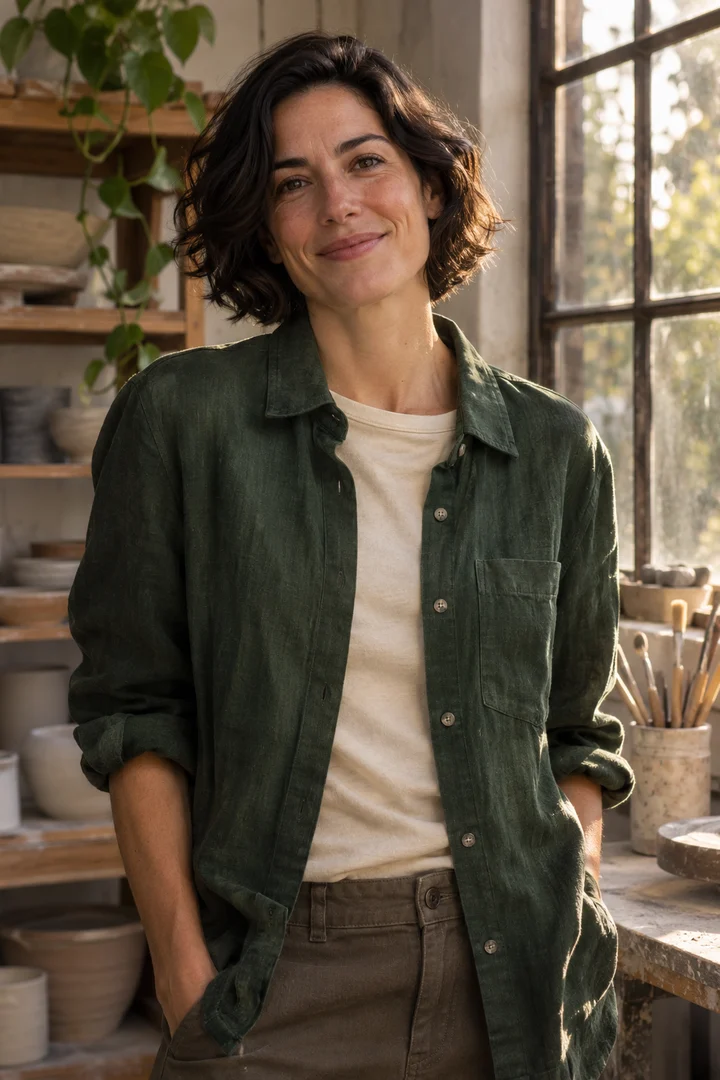
Choose a look to open its prompt in Image Edit. Upload your own photo, or an adult portrait you have permission to edit this way. Adjust the instructions to suit the portrait and select Generate image. Start each variation from the original to compare the results.
Soft window light and a satin robe
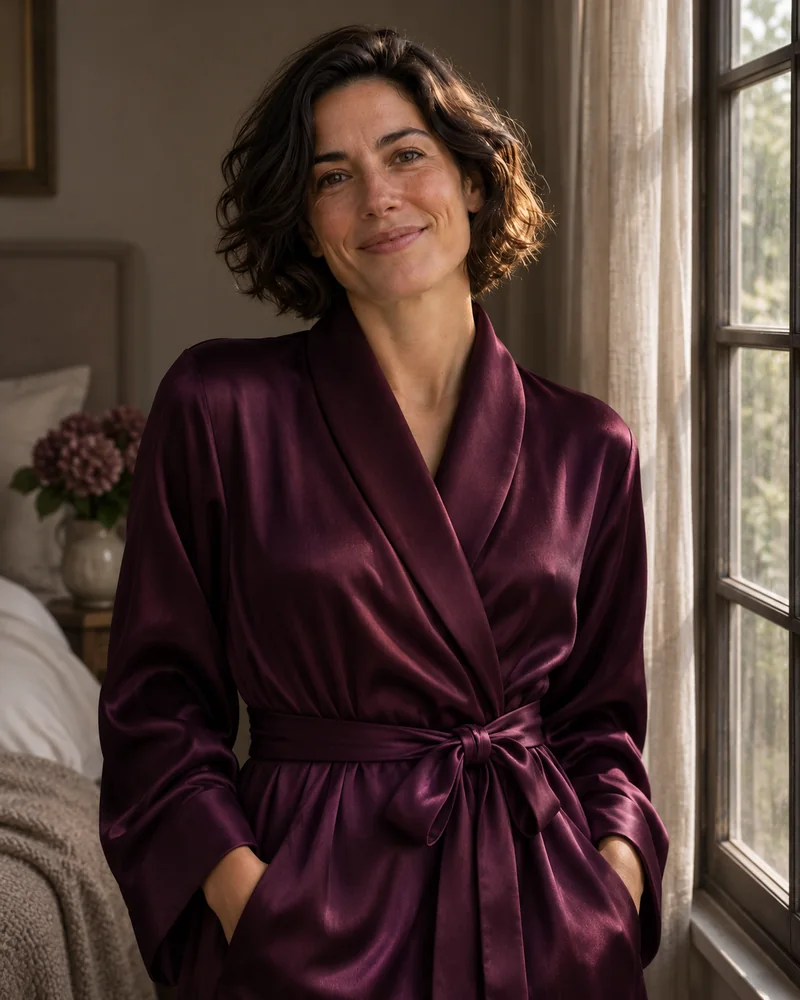
The highlight on the satin shows where the window is. If the face looks overlit, ask for softer light on the window side and keep the shadow on the far cheek.
Edit this adult portrait for a classic window-light boudoir-style photograph. Keep the same face, hair and relaxed expression. Dress the subject in an opaque plum satin robe, securely tied closed at the waist with a shawl collar. Use a quiet bedroom window, soft side light, natural skin texture and a waist-up vertical crop.Try this edit
Black and white boudoir photo editing
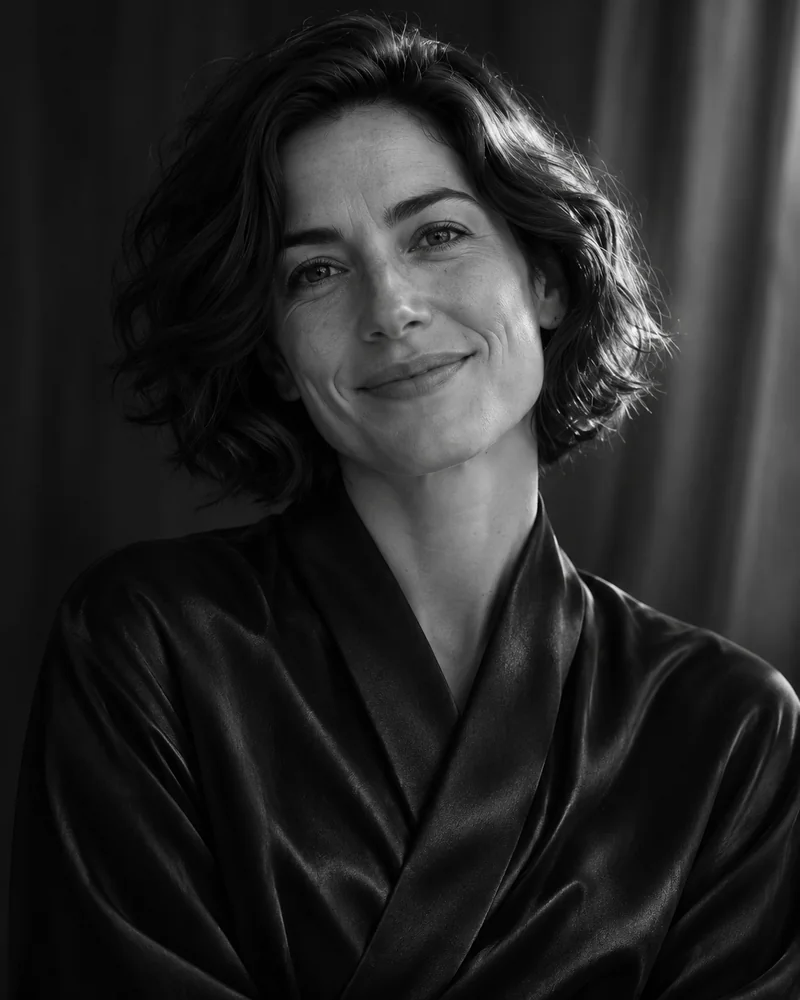
When the color disappears, the dark robe can blend into the background. Look for a fold in the collar and detail around both eyes before increasing the contrast.
Edit this adult portrait into a black-and-white boudoir-style portrait. Keep the face, wavy hair and slight smile recognizable. Use an opaque closed satin robe, chest-up framing and gentle light across one cheek. Keep texture in the dark fabric and detail around both eyes.Try this edit
A faceless silhouette by the window
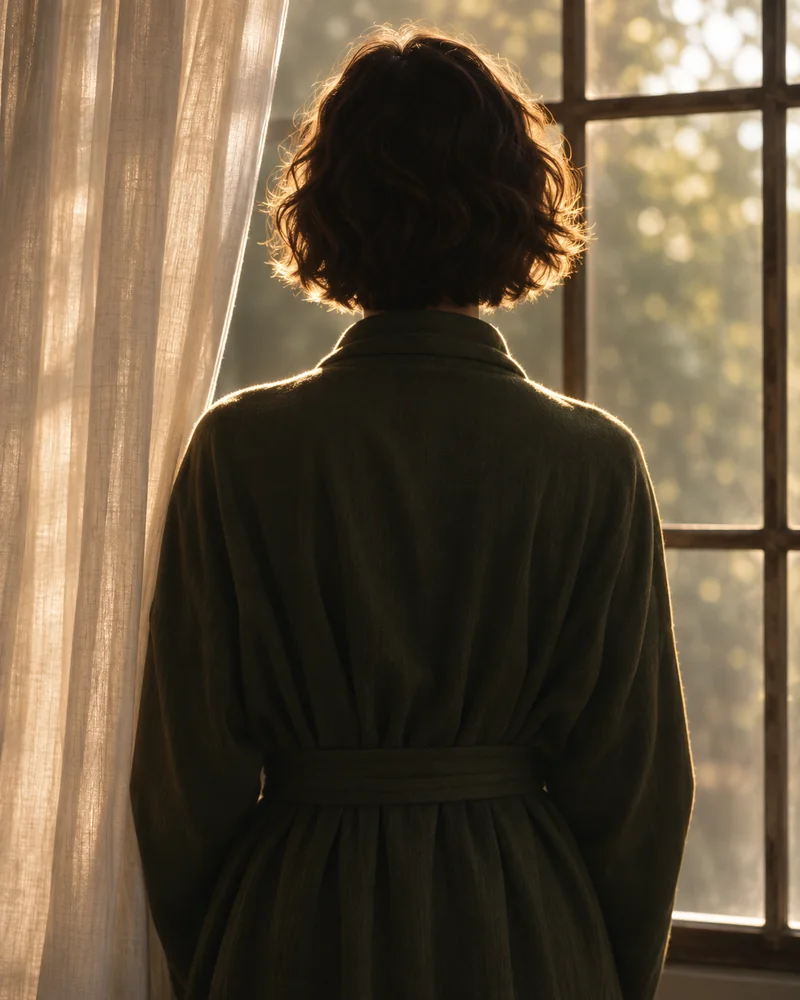
Light from behind defines the shoulders and hair. For a faceless portrait, inspect the window reflection and the edges of the face before sharing.
Edit this portrait into a faceless window silhouette. Keep the adult subject’s short wavy hair and dress them in a closed opaque robe. Show them from behind beside a sheer curtain. Backlight the shoulders and hair, leave the face fully out of view, and keep the waist-up frame simple.Try this edit
For a wider banner crop, see three creator cover ideas from the same portrait. To compare just the wardrobe, try the outfit editing guide.