 Studio RabbitEditing examples
OnlyFans cover photo ideas from one portrait
A profile picture has to work in a small circle. A cover gives you room to show the setting, leave space for a name or introduce yourself without showing your face. Each look below starts with the same portrait and changes its framing, pose or lighting.
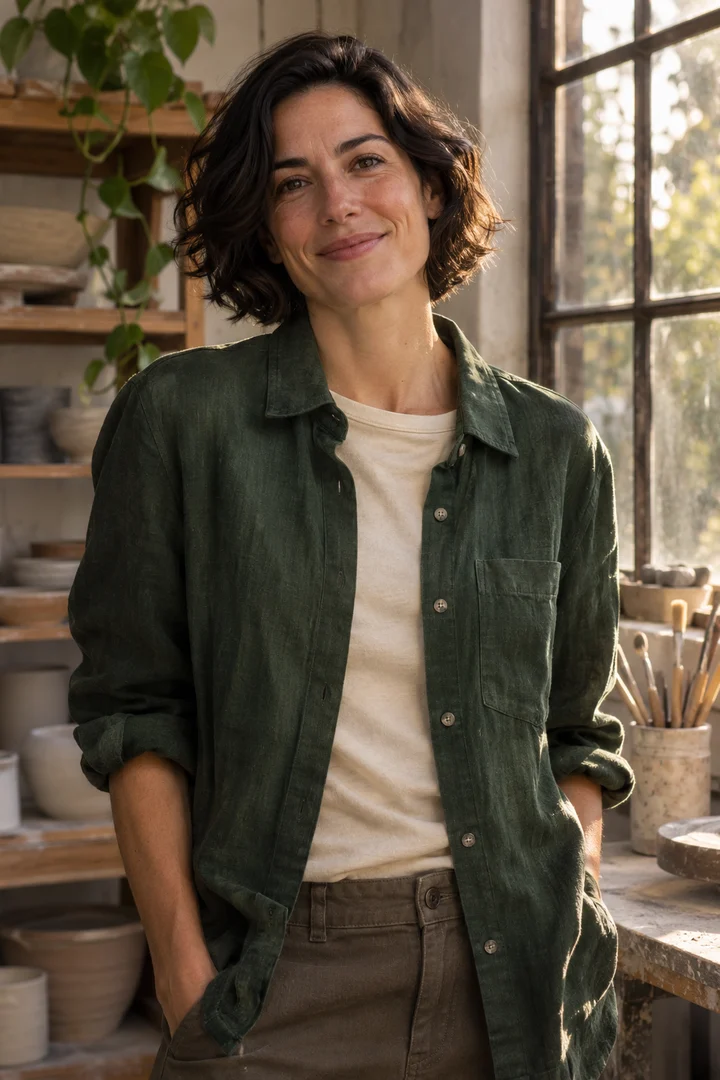
Choose Try this edit to open its instructions in Image Edit. Upload your own photo, adapt the instructions to the person and setting, then select Generate image to apply the edit. Check the crop in your profile preview before publishing.
A wide cover with room for text
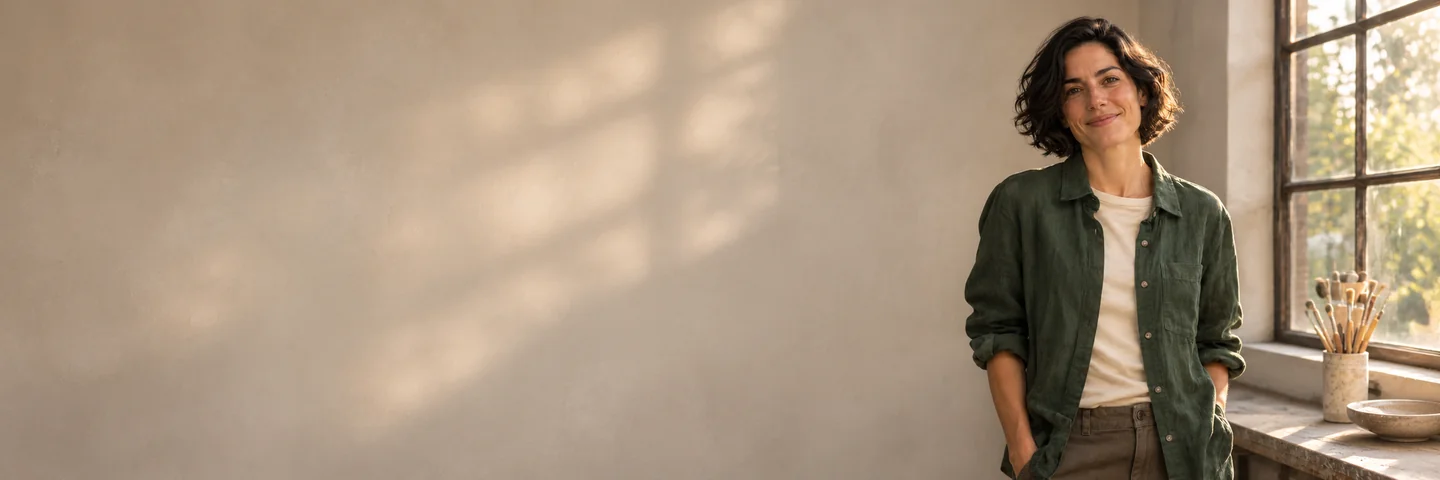
Want to add a display name later? Keep the wall on the left quiet. Leave the final lettering until after you see how the banner crops on your profile.
Edit my uploaded portrait for a wide cover crop. Keep the person, their clothing and expression. Use soft window light. Place the subject on the right third, with a softly lit, uncluttered studio wall on the left. Keep the face comfortably inside the frame. Leave the image free of text.Try this edit
Faceless OnlyFans cover photo ideas in window light
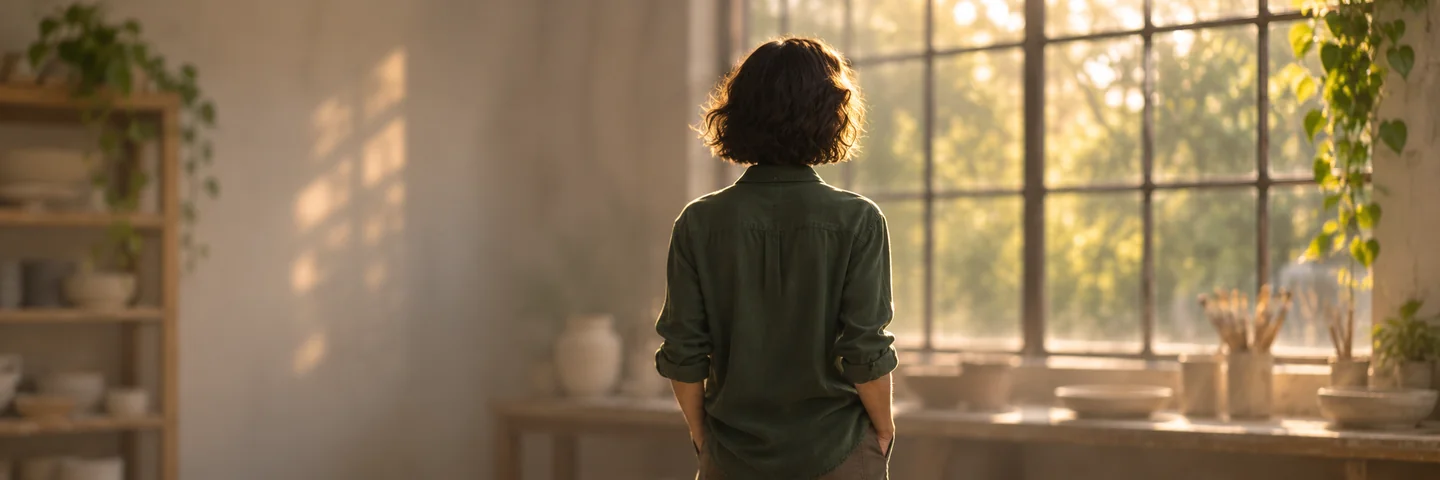
Try two framings from the same upload: a waist-up view from behind for a recognizable silhouette, or a tighter crop of your hands and sleeves for a detail-led banner. Turning away gives the shoulders and hair a clear shape even at a small size. Check mirrors, glass and background details before using a faceless cover.
Edit my uploaded portrait into a faceless cover. Turn the person toward the window so their back faces the camera. Keep their clothing and hairstyle, and backlight their shoulders. Keep all facial features out of view, soften the room details, and leave space around the silhouette. Add no text.Try this edit
A black-and-white editorial cover
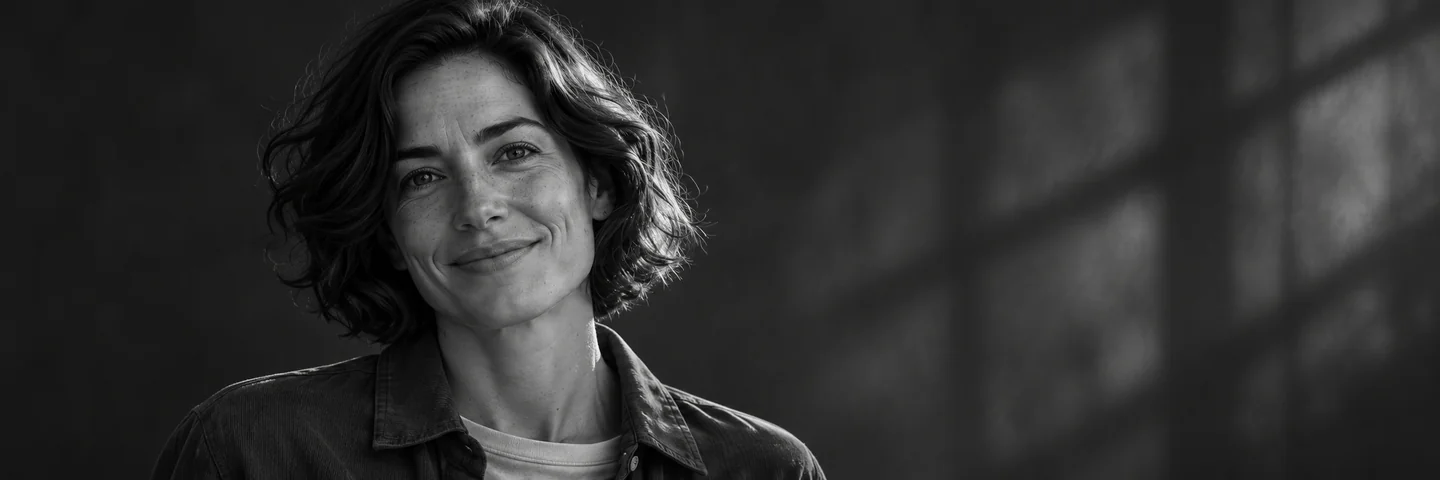
Here the eyes and smile carry the picture. Preview it at phone width. If the frame cuts through the eyes, move the crop before increasing contrast.
Convert my uploaded portrait to black and white for an editorial cover. Preserve the person’s expression, facial features and clothing. Frame the head and shoulders just left of center. Use gentle side light, deep charcoal shadows and visible skin texture. Keep detail in the face and leave the image free of text.Try this edit
Prefer a vertical portrait? Try three boudoir photo edits at home.
Want to change the wardrobe first? See an outfit edit and compare the face before and after.